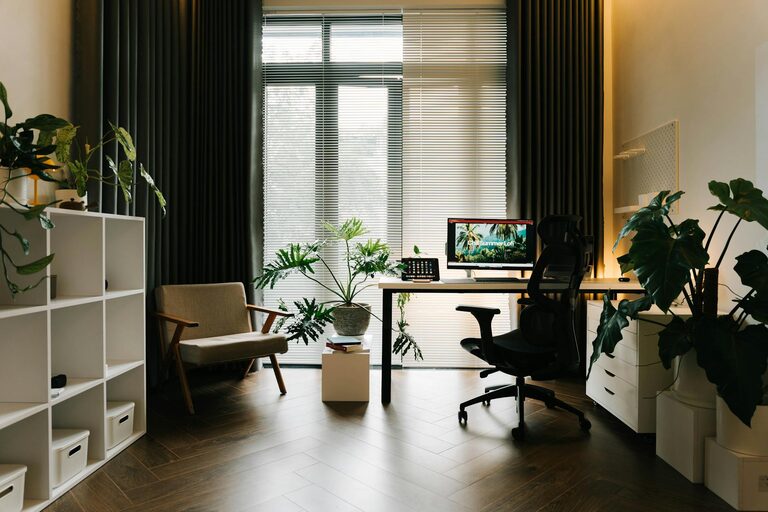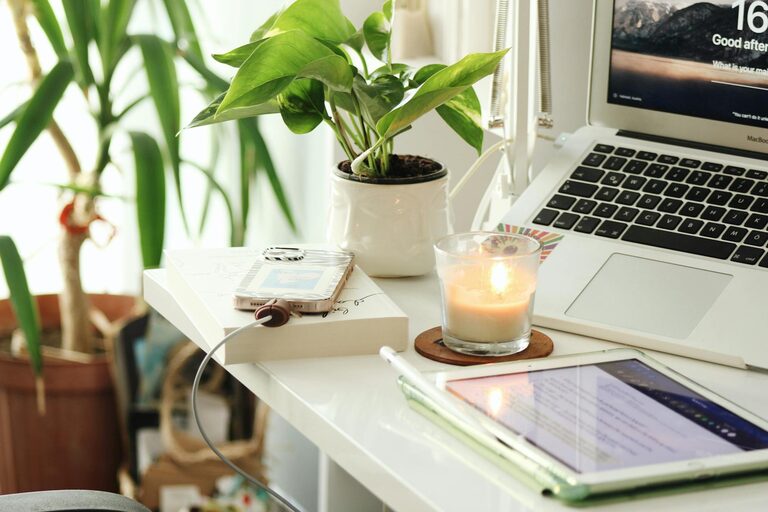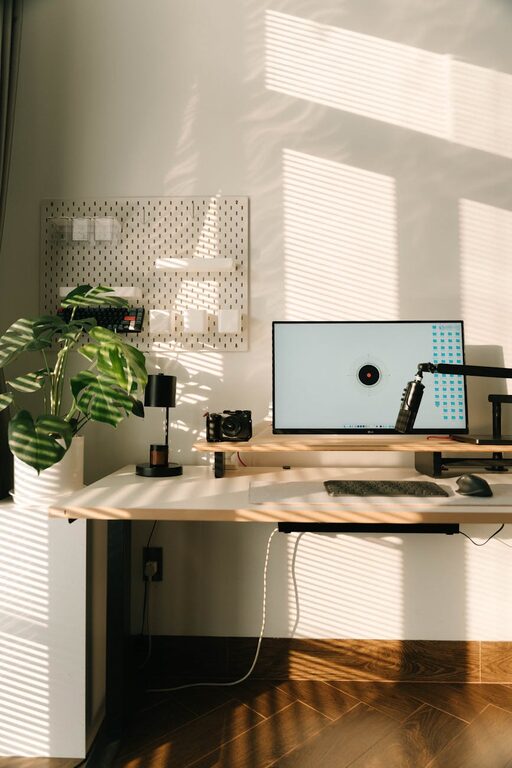
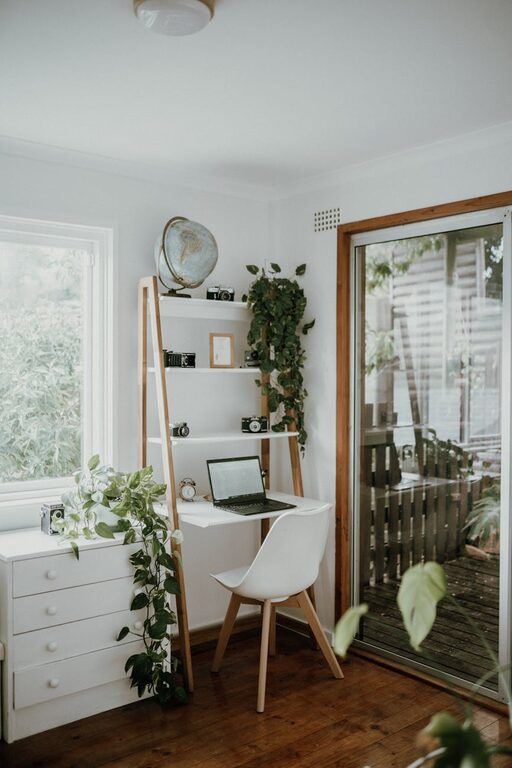
Creating a cozy and inviting home workspace is essential for maintaining focus and motivation throughout your workday. Whether you work remotely full-time or occasionally need a quiet spot for tasks, your workspace should be a place where comfort and functionality come together seamlessly. Here are practical tips to help you design a workspace that inspires productivity while making you feel right at home.
Choose the Right Location
The foundation of a cozy workspace starts with selecting the perfect spot. Look for an area that offers natural light, as sunlight not only brightens the space but can improve your mood and energy levels. If natural light isn’t an option, invest in quality lighting that mimics daylight to reduce eye strain.
Avoid high-traffic or noisy areas to minimize distractions. A corner of a quiet room, a nook near a window, or even a part of your bedroom can work well. The key is to find a space you can consistently claim as your work zone.
Invest in Comfortable Furniture
Good furniture is the backbone of any effective workspace. Your chair should support your posture and be adjustable to keep you comfortable during long hours. Ergonomic chairs help reduce back and neck strain.
Pair your chair with a desk that fits your needs. Consider the height, surface area, and storage options. If space is tight, a wall-mounted desk or a foldable table can be excellent space-saving choices.
Personalize Your Space
Adding personal touches makes your workspace feel welcoming and unique. Choose colors and décor that make you happy and calm. Soft textiles like cushions or a throw blanket can add warmth.
Incorporate items that inspire you—photos, artwork, or plants. Greenery not only improves air quality but also creates a refreshing ambiance. Plants like succulents, snake plants, or pothos are low-maintenance and add a touch of nature.
Organize for Efficiency
A clutter-free workspace can significantly improve your focus. Use organizers, trays, or filing cabinets to keep documents and supplies in order. Labeling helps you quickly locate what you need.
Cable management tools reduce mess from chargers and wires. Keeping your desk clean and tidy will help you feel less overwhelmed and more in control.
Optimize Lighting
Besides natural light, good artificial lighting is key. Use a combination of ambient and task lighting to reduce eye strain and create a cozy atmosphere.
A desk lamp with adjustable brightness can be invaluable during late hours. Warm light tones tend to create a relaxed environment, while cool tones can promote alertness—choose what suits your work style best.
Incorporate Comfortable Textures and Colors
Soft fabrics and cozy textures improve comfort and add visual interest. Consider a small rug, cushions, or curtains to soften the space and reduce echo.
When it comes to colors, warm tones like beige, soft browns, or gentle greens are inviting and calming. Avoid harsh or overly bright colors that might cause energy spikes or distractions.
Maintain Good Air Quality
A fresh and well-ventilated workspace helps you stay alert and comfortable. If possible, open a window during your work hours. Using an air purifier or placing air-purifying plants in your workspace can also improve air quality.
Avoid placing your desk too close to heating or cooling vents to prevent discomfort.
Set Boundaries and Keep it Dedicated
To maintain productivity, use your workspace only for work if possible. This separation helps create a mental distinction between work and relaxation zones.
Establish clear boundaries for work hours and breaks. You might include a small clock or timer to help you manage your schedule effectively.
Add Inspirational Elements
Inspiration coming from your surroundings can boost creativity and motivation. Consider a bulletin board or a whiteboard where you can post goals, reminders, or motivational quotes.
Decorative elements like favorite books, artwork, or meaningful objects can provide encouragement during tough workdays.
Keep Technology Handy but Minimal
Make sure your essential devices—computer, printer, phone charger—are within easy reach but avoid overcrowding the desk with tech gadgets you don’t frequently use.
Regularly update and maintain your technology to avoid frustration. Using wireless accessories like keyboards and mice can reduce cord clutter.
Include a Cozy Break Spot Nearby
Taking breaks is crucial for productivity. If space allows, create a small area with a comfortable chair or cushion near your workspace for quick rest or reading moments.
Having a dedicated spot to step away from your desk helps you recharge and return to work with better focus.
—
Creating a cozy and inviting home workspace doesn’t require a complete overhaul. Small adjustments can make a big difference in how comfortable and productive you feel. By focusing on light, comfort, organization, and personal touches, you can design a work area that feels inviting and functional every day.
About the Author