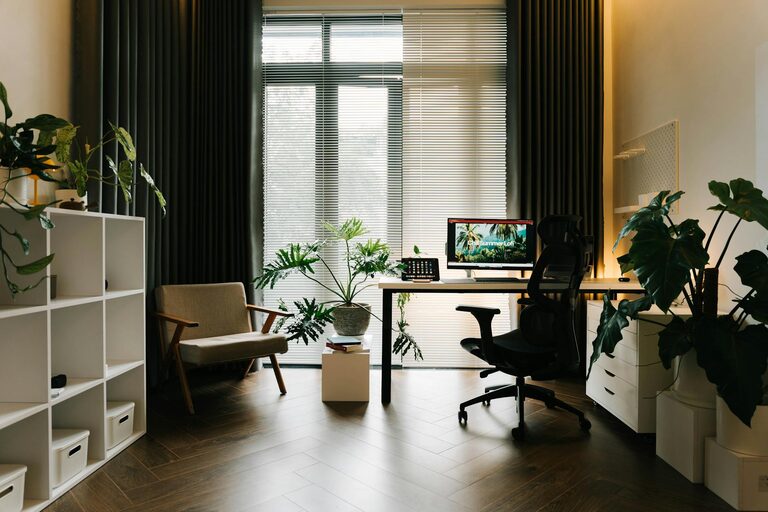
Creating a cozy and functional home office space has become essential for many people who work remotely or spend significant time at home on projects. A well-designed workspace not only makes working more enjoyable but also helps increase productivity and reduce stress. If you’re looking to set up or improve your home office, this guide offers practical tips to balance comfort and functionality.
Choose the Right Location
Find a Quiet Corner
Select a spot in your home that is away from heavy foot traffic and distractions. A quiet corner or a separate room works best to help you focus and maintain a work-life balance.
Consider Natural Light
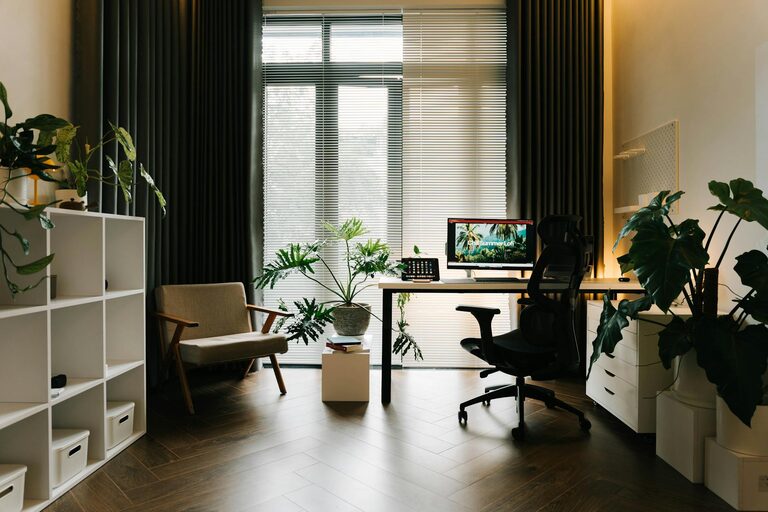
Natural light boosts mood and energy. Try to position your desk near a window without causing screen glare. If natural light is limited, opt for soft, warm artificial lighting to create a cozy atmosphere.
Invest in Comfortable and Functional Furniture
Ergonomic Chair
Comfort is key when you spend hours at your desk. Choose an ergonomic chair that supports your back and encourages good posture to prevent discomfort and fatigue.
Desk Options
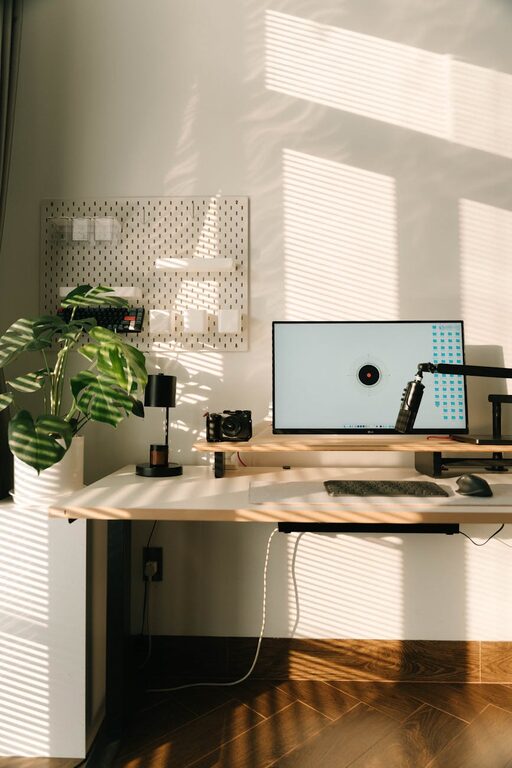
Pick a desk that offers enough surface area for your computer, notebooks, and any other essentials. Adjustable desks are great for alternating between sitting and standing throughout the day.
Storage Solutions
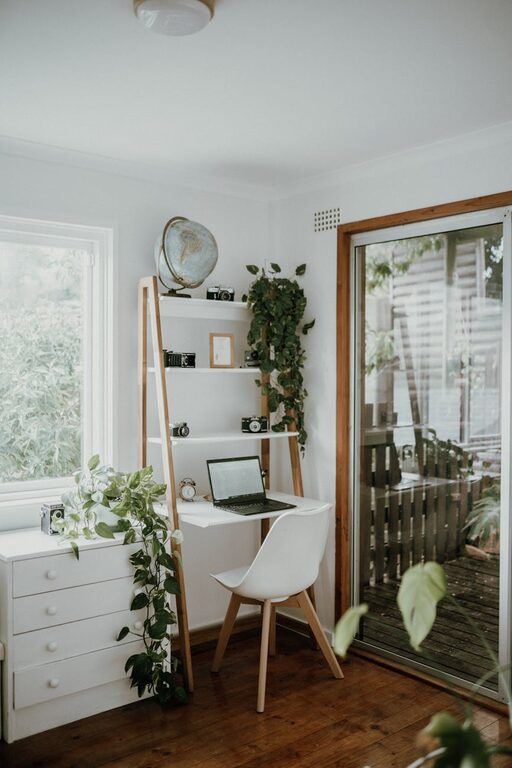
Keep your workspace clutter-free with shelves, drawers, or filing cabinets. Organized storage keeps important documents and tools within reach, saving time and reducing distractions.
Personalize Your Space
Adding personal touches makes your workspace inviting and motivates you to spend time there.
– Artwork or Photos: Decorate with inspiring images or family photos.
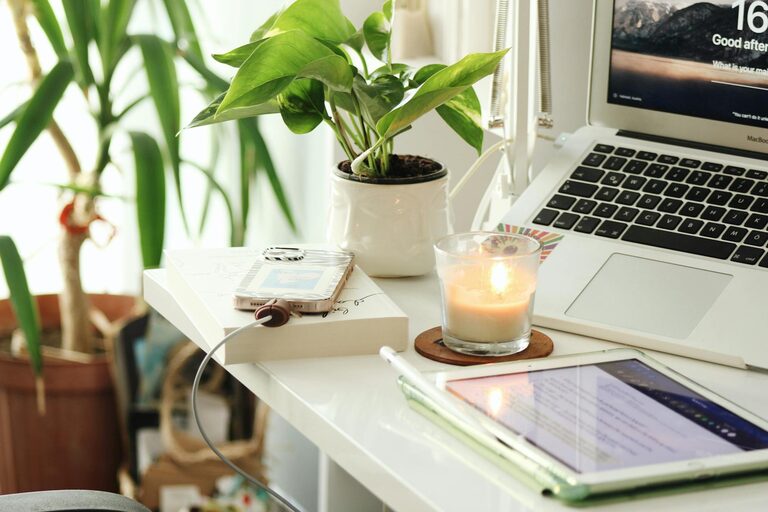
– Plants: Indoor plants improve air quality and add a calming natural element.
– Rugs and Cushions: Soft textiles can make the space feel warmer and more comfortable.
Organize for Efficiency
Use Desk Organizers
Small containers for pens, paper clips, and sticky notes help keep your desktop neat.
Cable Management
Use clips, sleeves, or under-desk trays to keep cords organized and out of the way.
Declutter Regularly
Take a few minutes each day to tidy your workspace to stay productive and prevent clutter buildup.
Optimize Lighting
Proper lighting is crucial for reducing eye strain and enhancing focus.
– Task Lighting: A desk lamp with adjustable brightness works well for detailed work.
– Ambient Lighting: Soft overhead lighting creates a warm environment.
– Avoid Glare: Position your computer screen to avoid reflections and harsh light.
Create Zones for Different Activities
If space allows, designate areas for various tasks such as computer work, reading, or brainstorming. This separation helps your brain shift gears and keeps you organized.
Use Technology Wisely
Reliable Equipment
Invest in a good-quality computer, printer, and high-speed internet to minimize frustrations caused by technical issues.
Noise-Cancelling Headphones
These can be invaluable if you need to focus or take calls in a noisy home environment.
Software Tools
Explore productivity apps and digital organizers to streamline your workflow.
Maintain a Comfortable Environment
Temperature Control
Ensure your workspace is neither too hot nor too cold. A small fan or space heater can make a big difference.
Fresh Air
If possible, open a window regularly or use an air purifier to keep air quality high.
Set Boundaries and Routine
Work from home can blur the line between work and personal life. Set clear working hours and communicate them to family members. Create a routine that includes breaks for stretching, walks, or other relaxing activities.
—
Designing a home office that is both cozy and functional may take some time, but the benefits to your productivity and well-being are worth the effort. By carefully choosing your space, investing in the right furniture, personalizing your environment, and staying organized, you can create a workspace that supports success and satisfaction.
About the Author